Gather 2.0 Desktop App
Last updated: November 23, 2026
For the best experience with Gather, we recommend downloading the desktop app for Mac or Windows. Get desktop notifications, switch into mini mode, and open your office in a single click without searching through browser tabs.
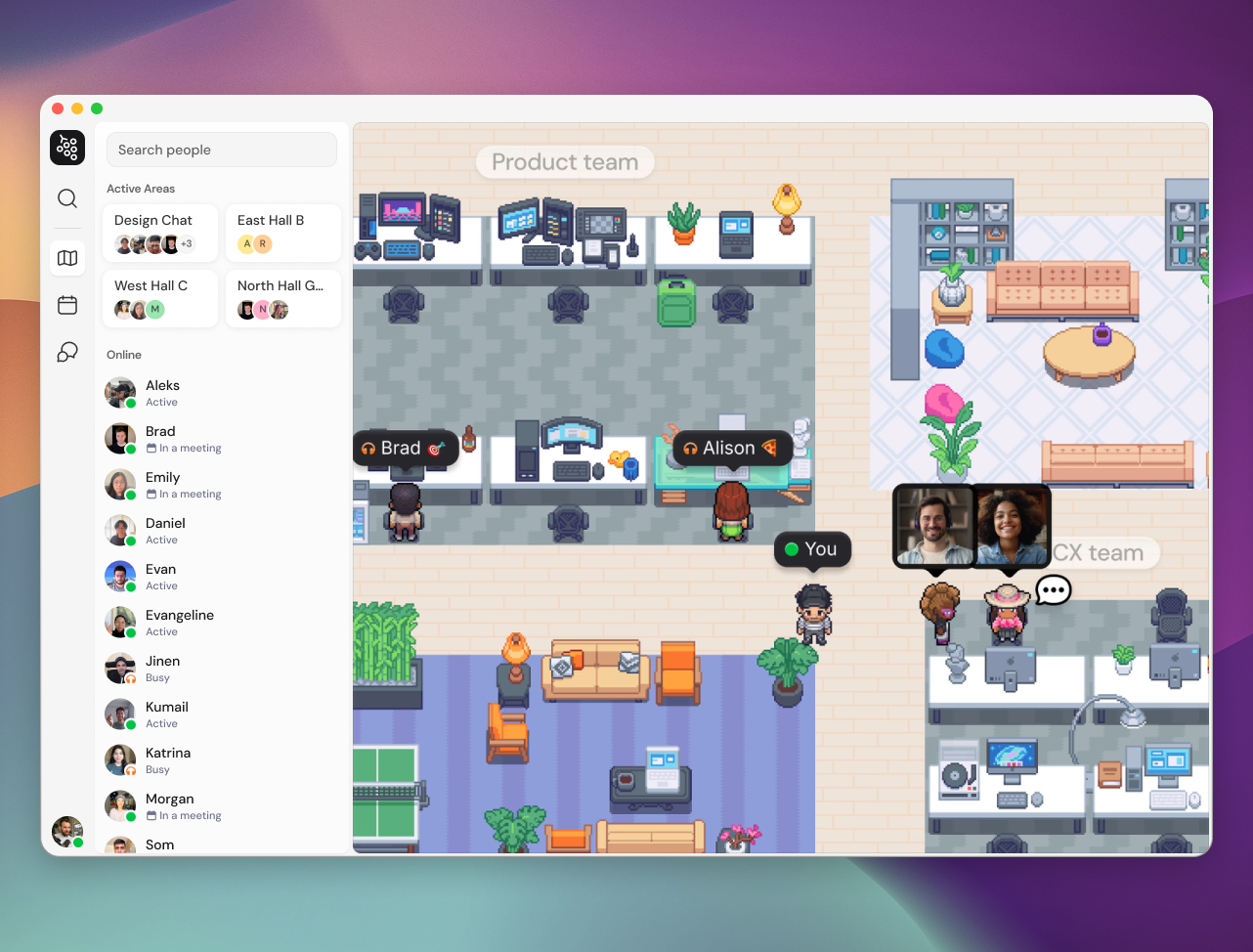
To download the latest version of the Gather Desktop App for Mac or Windows, click here.
Once you’ve installed the Gather 1.0 Desktop App, it will automatically prompt you to update it when a new version is released.
FAQ
My desktop update failed. What do I do?
If your desktop app fails to update, we first recommend reinstalling the latest version (available on our website).
If you’re using a VPN or Firewall, it could be blocking the download from running properly. In this scenario, we recommend either:
Temporarily disabling the VPN/Firewall so the update can run
Add a rule to your settings allowing “github.com”
Click here to learn more about VPN and Firewall access. If the update continues to fail, contact our support team at support@gather.town. We'd be happy to help!
Do you have a mobile app?
Yes! Our mobile app is available for iOS now. Android is coming soon.
Do I have to use the Desktop App?
Nope! You're welcome to use Gather in a browser (we recommend Google Chrome) or as a web app.
To submit a bug report or share feedback:
Open the Main Menu and select ‘Report an issue’
Or email support@gather.town