Make an Announcement
Last updated: October 12, 2026
Need to get everyone's attention? Admins can make an Announcement to speak to everyone in your space at the same time.
This feature is toggled off by default. To enable it, an Admin must follow the directions below.
Overview
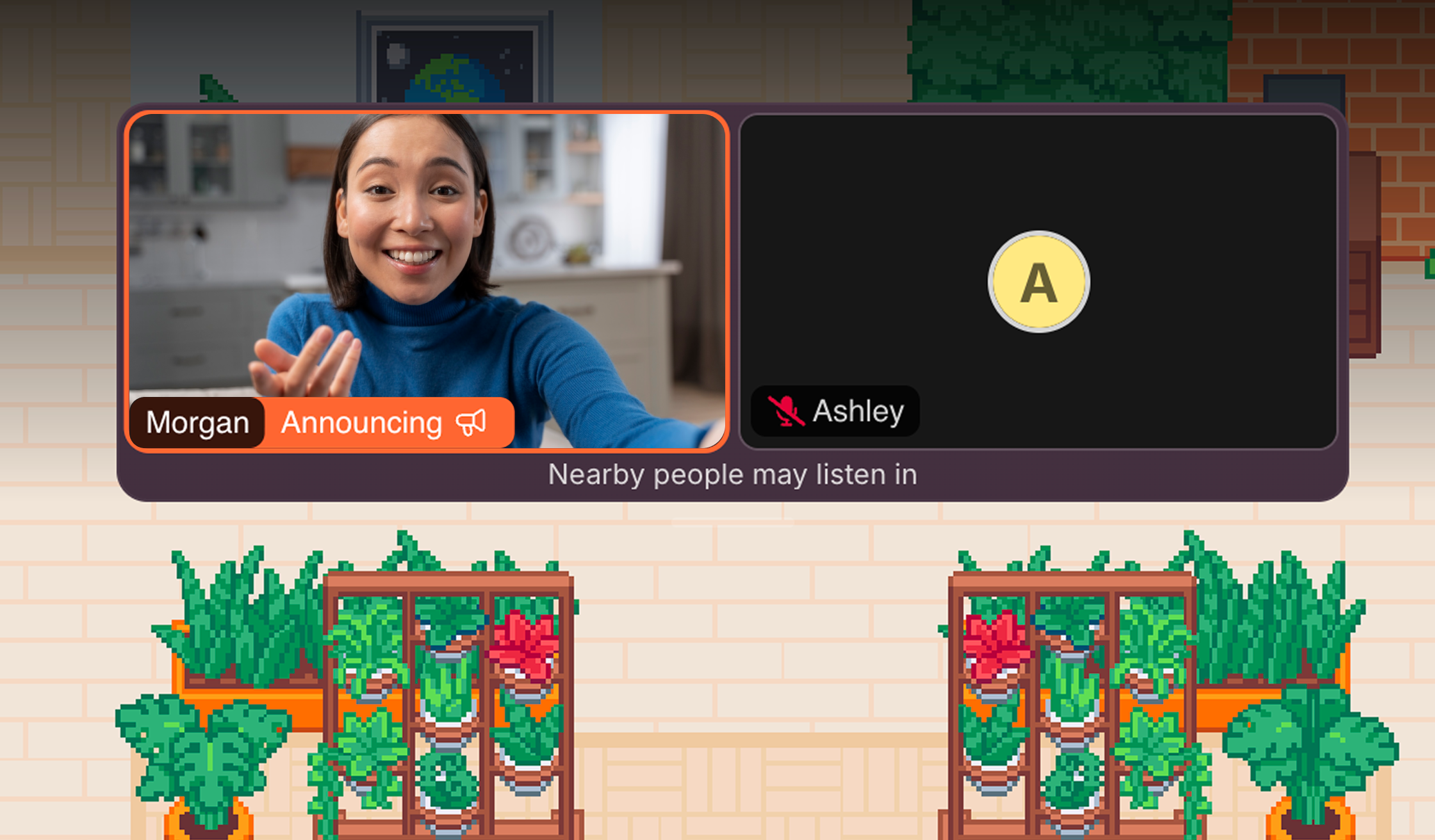
When Announcements are enabled, Admins get a megaphone button in their AV toolbar. Clicking it will share your mic and camera with everyone on your floor. That includes Members and Guests.
If you're on the receiving end of an Announcement, you can optionally turn your mic and camera on to talk with the announcer, even if you're not standing near them or in the same meeting area.
To enable announcements (Admins Only):
Click the Main Menu (Gather logo) and open Settings
In the Office section, click Conversations
Find "Enable Announcements" and switch the toggle on
To disable announcements (Admins Only):
Click the Main Menu (Gather logo) and open Settings
In the Office section, click Conversations
Find "Enable Announcements" and switch the toggle off
To submit a bug report or share feedback:
Open the Main Menu and select ‘Report an issue’
Or email support@gather.town