Collaborate on Whiteboards
Last updated: March 11, 2026
Brainstorm together on a shared whiteboard. This interactive object loads an Eraser whiteboard, making it easy to document, draw, and doodle together.
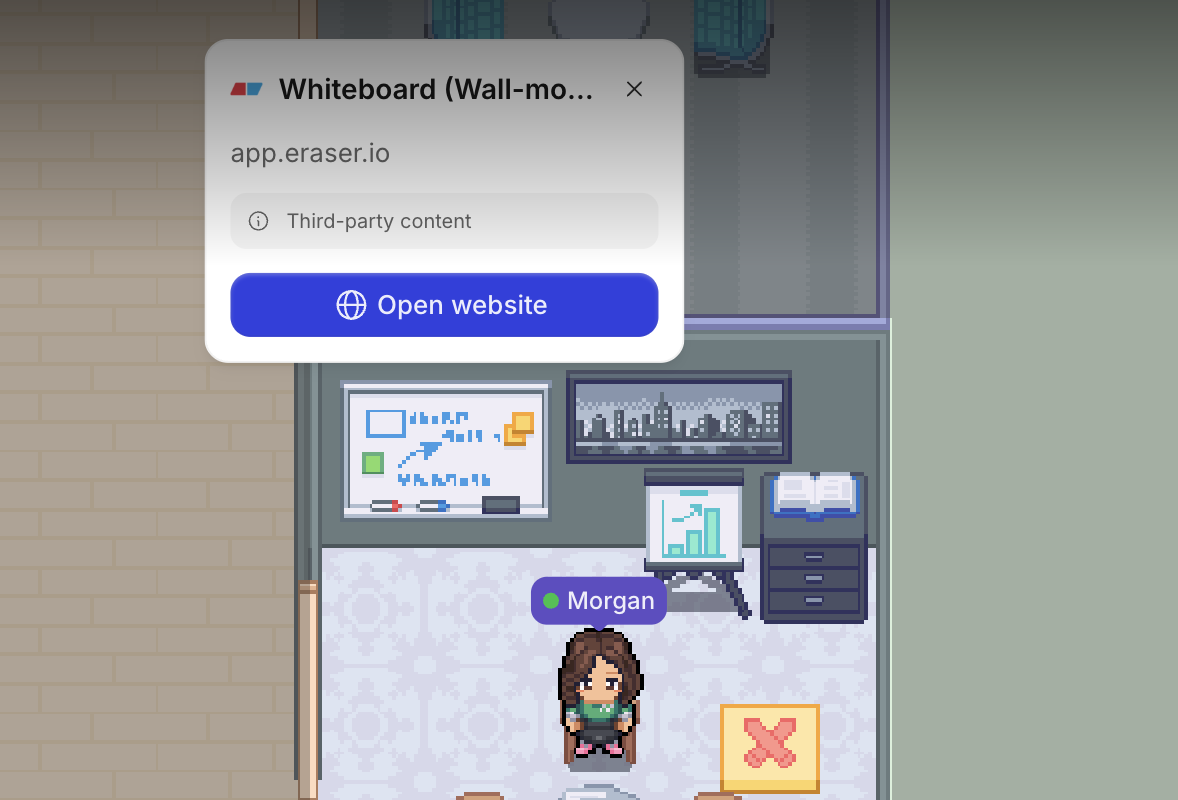
Note: Gather does not own the embedded whiteboard content. To save it, click Sign in to Eraser to log in or create an account.
To Place a Whiteboard in Your Office:
During a meeting:
Navigate to the top bar and click the globe icon
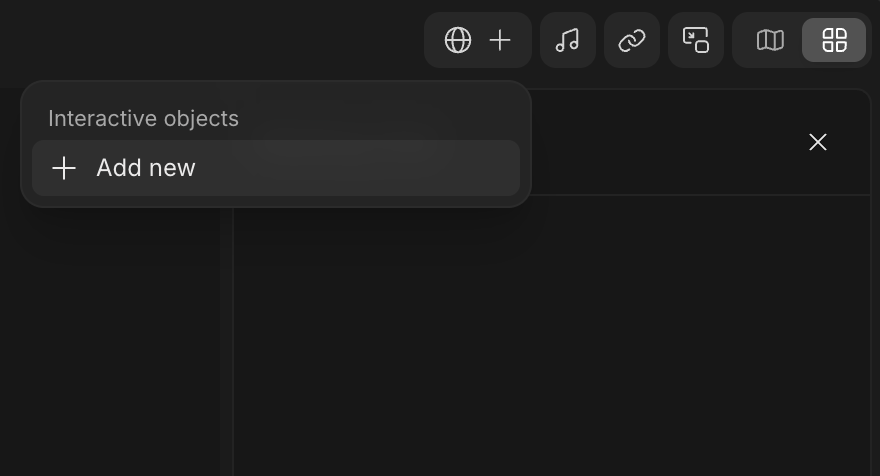
Select Add new to open the Decorator
Select a whiteboard (wall-mounted or standing)
With the Decorator:
Open the Main Menu and click Decorate desk
In the Decorator, click the right arrow to navigate to the Interactive category.
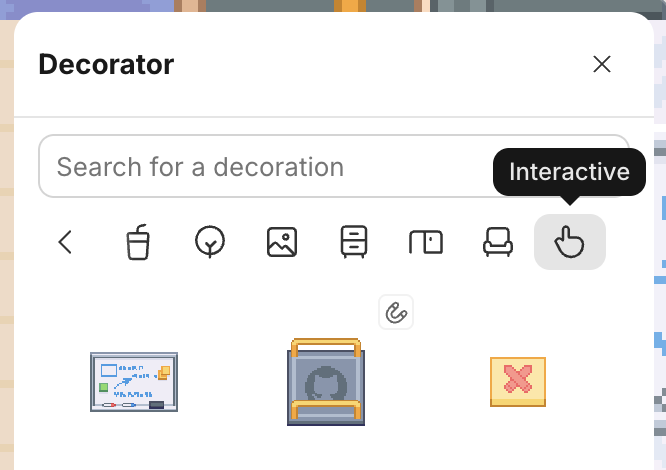
Select a whiteboard (free-standing or wall-mounted) and click in your office to place it. (Meeting rooms and team areas are great locations!)
To Use an Interactive Whiteboard:
Walk over to the Whiteboard and click Open website
It will open directly in Gather, so you can easily talk while collaborating
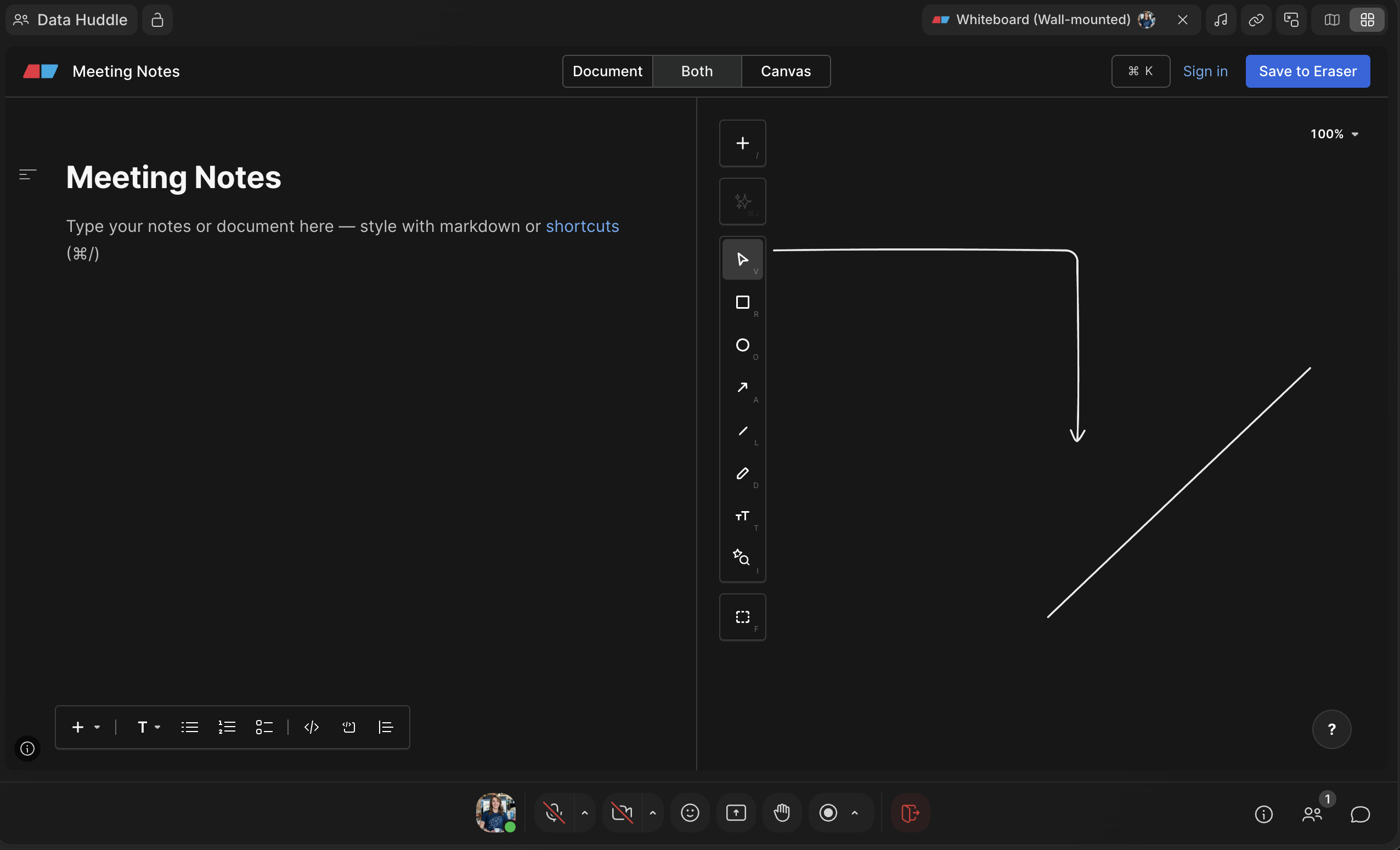
Need another opinion? Find someone who’s Available 🟢 and Wave them over to join!
Note: Whiteboards in Gather work like real-life whiteboards. The content on them will persist until you clear it or delete the object entirely.
To Embed a Custom Whiteboard URL:
If you have a different web page you want to collaborate on, you can replace the whiteboard’s default URL with a new one.
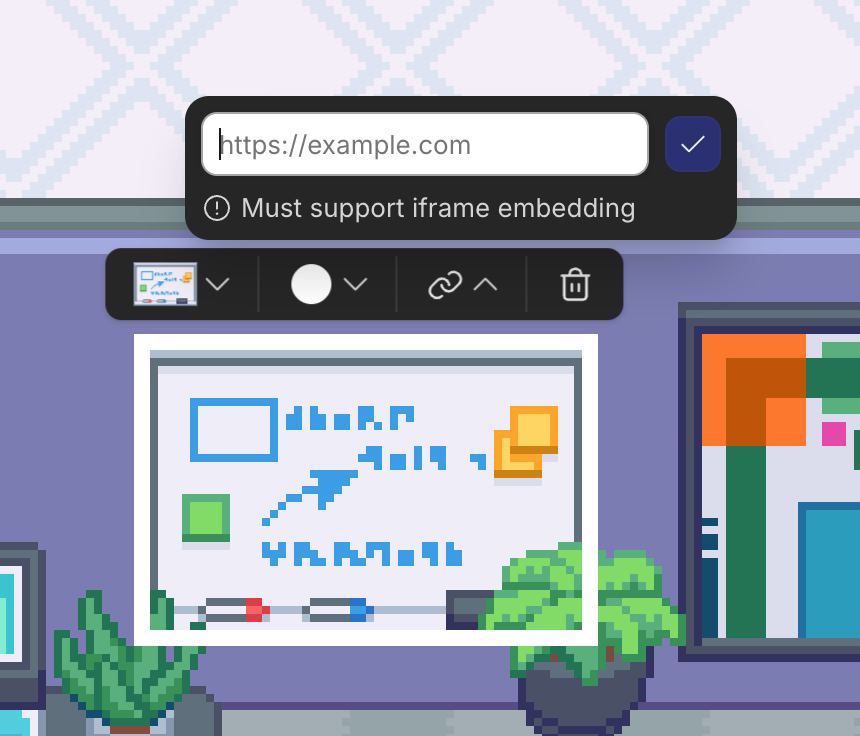
Open the Main Menu and click Decorate desk
Click on an existing Whiteboard or place a new one
Select it and click the link icon to edit the URL
Click the Checkmark icon
Now, anyone in your office can walk up and open that link!
Note: For a web page to load successfully in Gather, it must support iframe embedding. To see if it’ll work, you can use an iframe tester.
To Remove a Whiteboard
During a meeting:
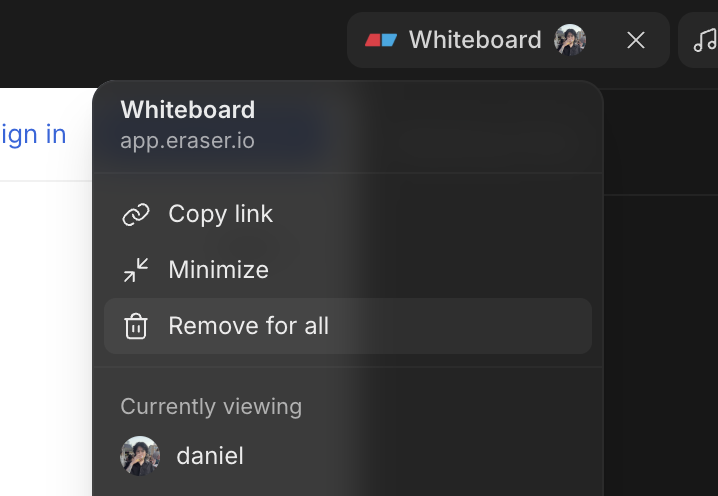
Select the Interactive Object in the top bar
Click Remove for all
With the Decorator:
Open the Main Menu and click Decorate desk
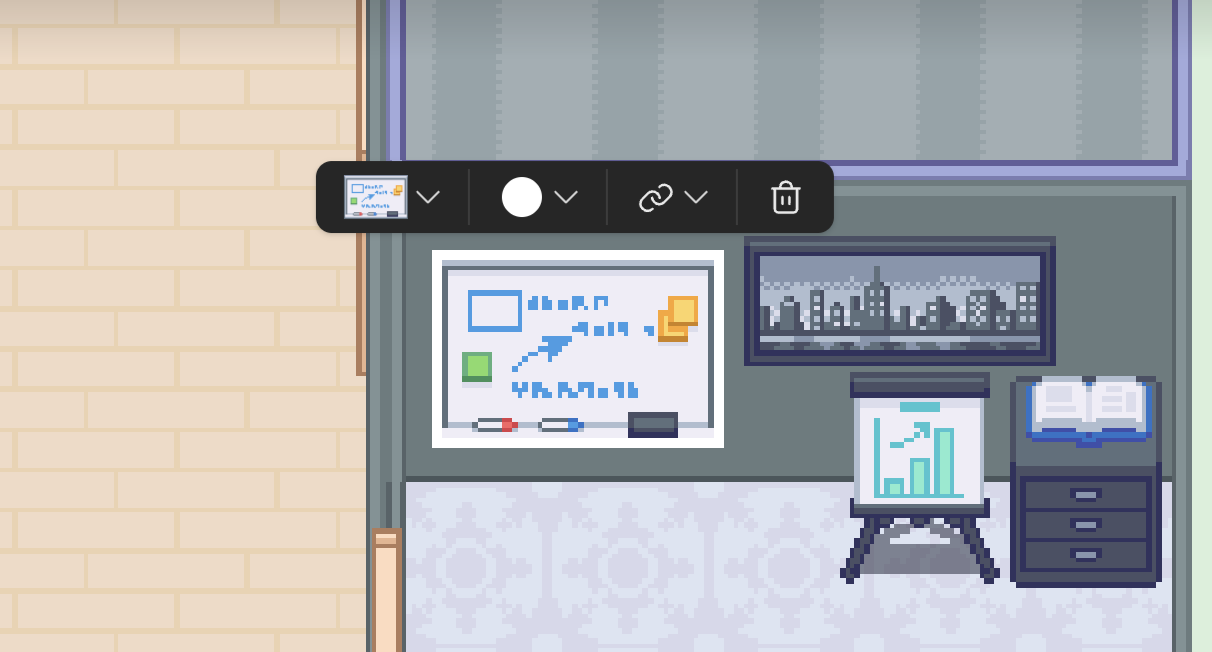
Click on the Whiteboard you want to remove
Click the trash can icon to delete it
To submit a bug report or share feedback:
Open the Main Menu and select ‘Report an issue’
Or email support@gather.town