Play Embedded Games
Last updated: March 11, 2026
When you need a quick icebreaker or social activity, look no further than the embedded board games! These interactive objects load web-based games that you can play right within your virtual office.
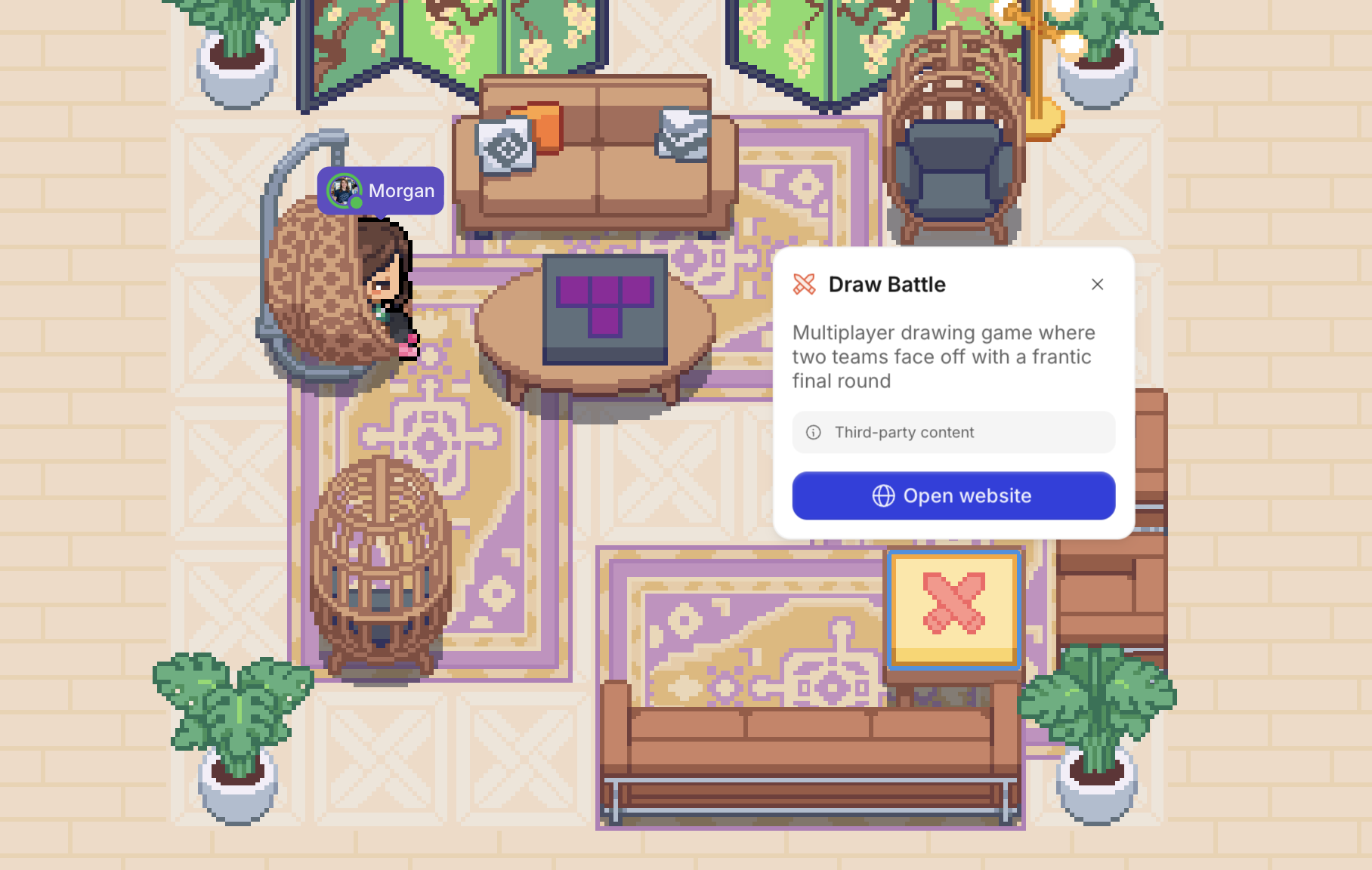
Available games:
Note: Gather does not own these embedded games. To learn more about them or for support, please visit their respective websites.
To Place an Embedded Game in Your Office:
During a meeting:
Navigate to the top bar and click the globe icon
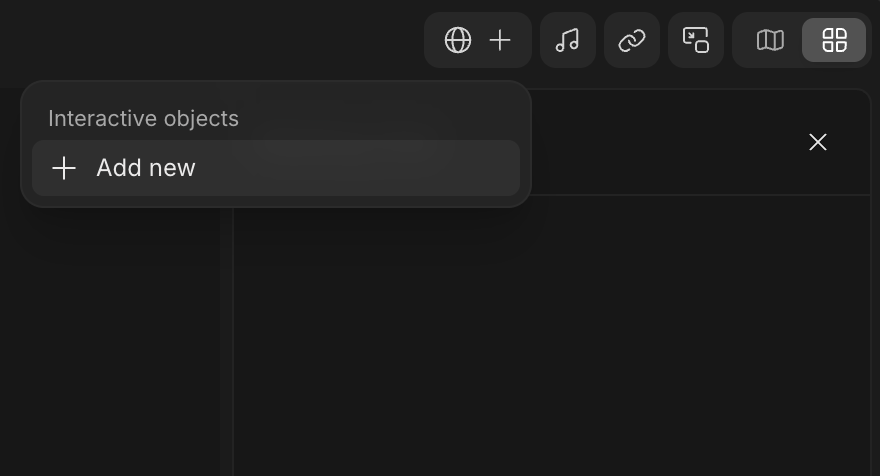
Select Add new to open the Decorator
Select the game you want to play
With the Decorator:
Open the Main Menu and click Decorate desk
In the Decorator, click the right arrow to navigate to the Interactive category.
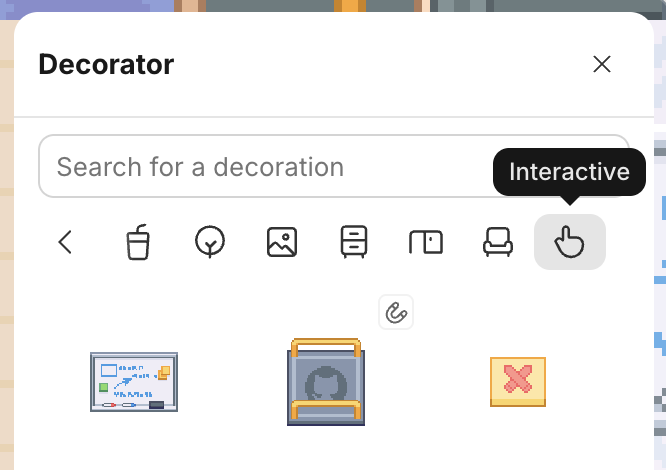
Select a game and click in your office to place it. (Coworking areas are a great spot!)
To Play an Embedded Game:
Walk over to the Game Object and click Open website
It will open directly in Gather, so you can easily talk to others while you play
Each game is different. Follow the instructions on the screen to get started.
Need more players? Find someone who’s Available 🟢 and Wave them over to join!
To Embed a Custom Game URL:
If you have a different web game you want to play with your team, you can replace a game object’s URL with a new one.
Open the Main Menu and click Decorate desk
Click on an existing Game Object or place a new one
Select it and click the link icon to edit the URL
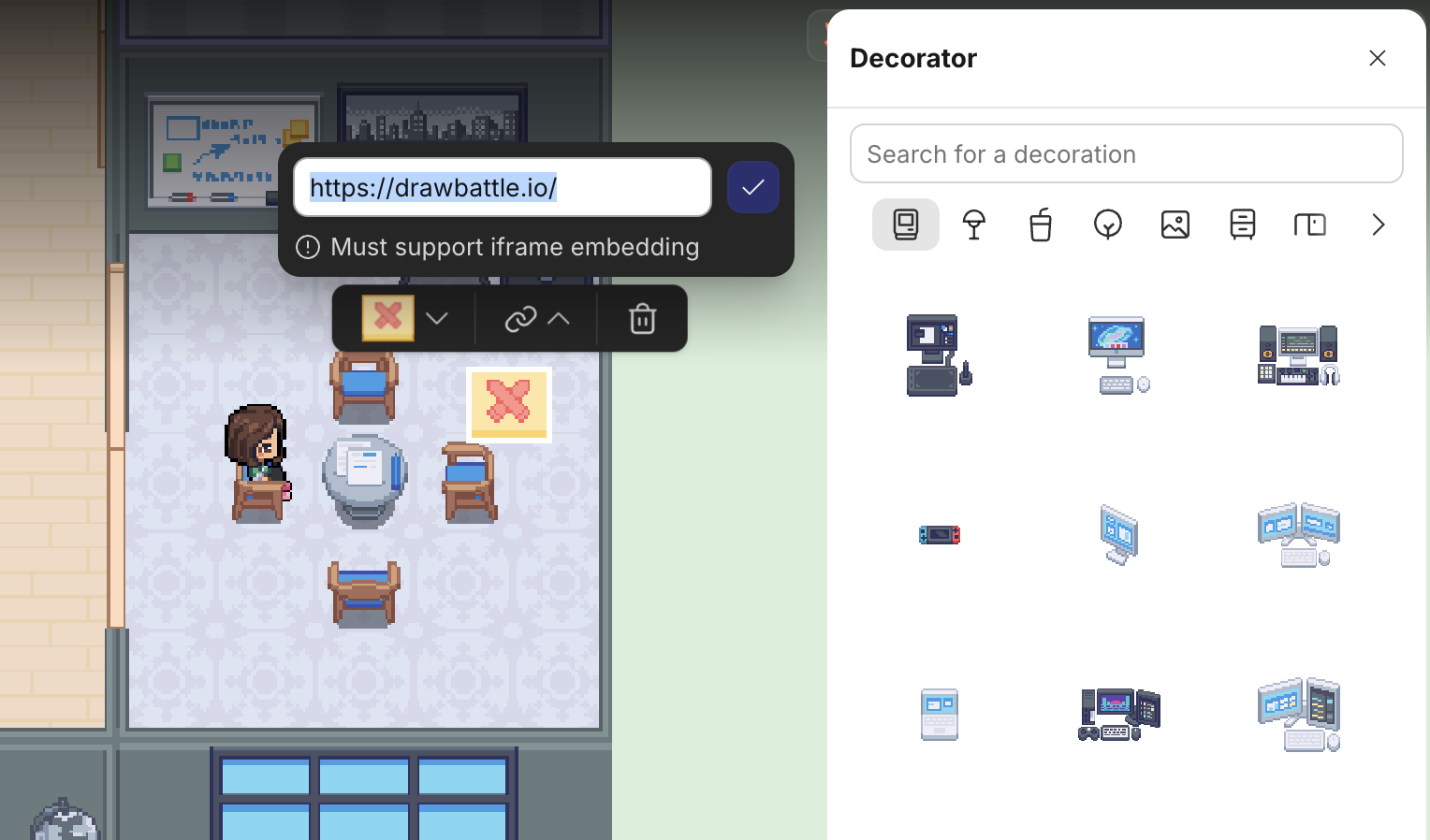
Click the Checkmark icon
Now, anyone in your office can walk up and open your custom game URL!
Note: For a web page to load successfully in Gather, it must support iframe embedding. To see if it’ll work, you can use an iframe tester.
To Remove an Embedded Game object
During a meeting:
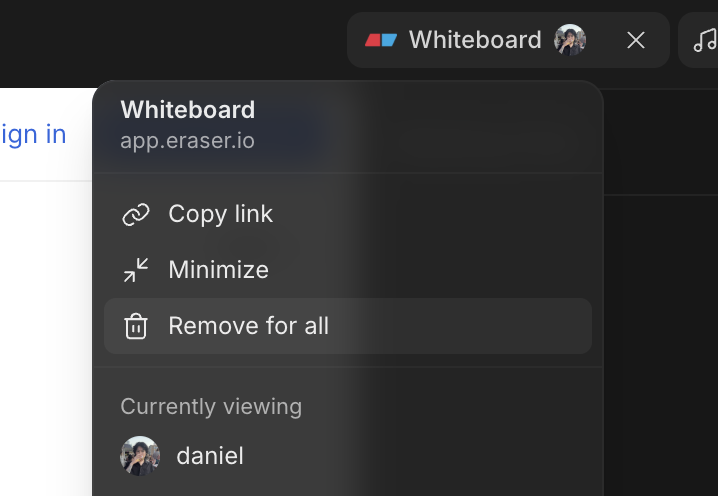
Select the Interactive Object in the top bar
Click Remove for all
With the Decorator:
Open the Main Menu and click Decorate desk
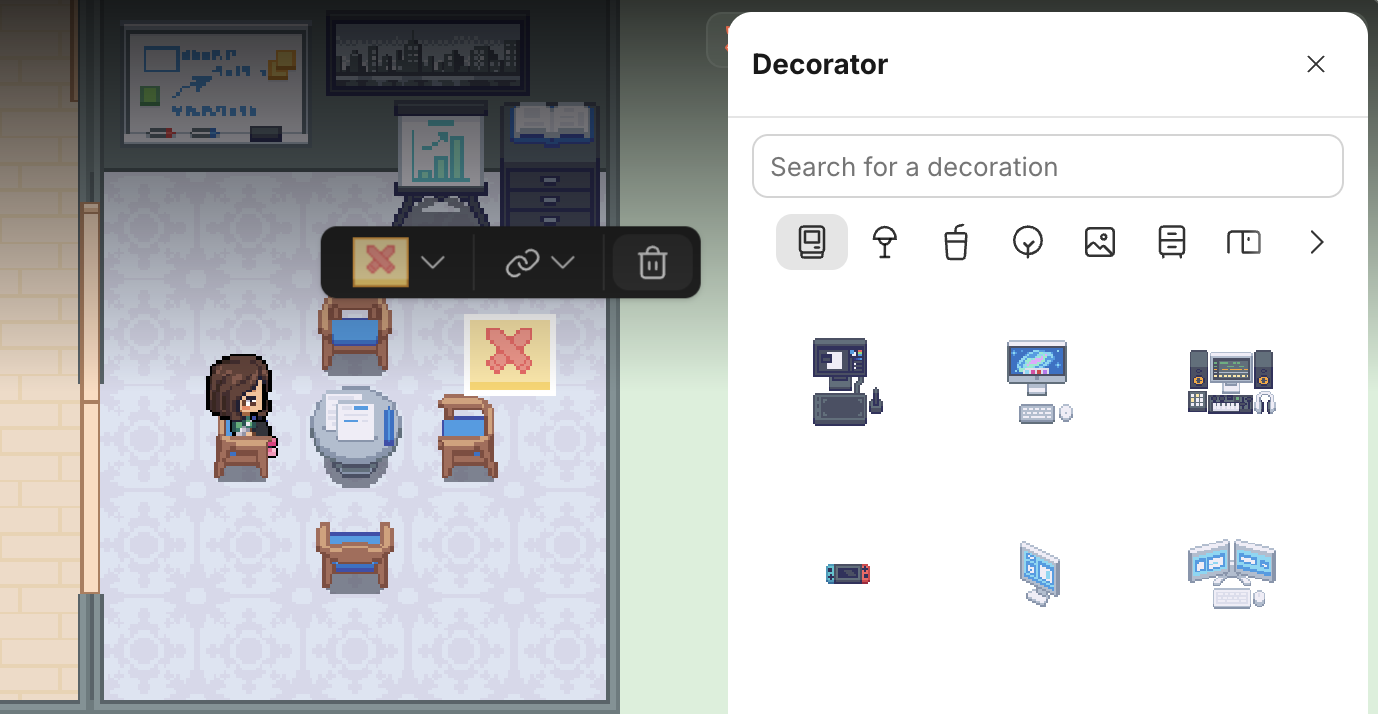
Click on the Game Object you want to remove
Click the trash can icon to delete it
To submit a bug report or share feedback:
Open the Main Menu and select ‘Report an issue’
Or email support@gather.town