Change display language
Last updated: October 2, 2026
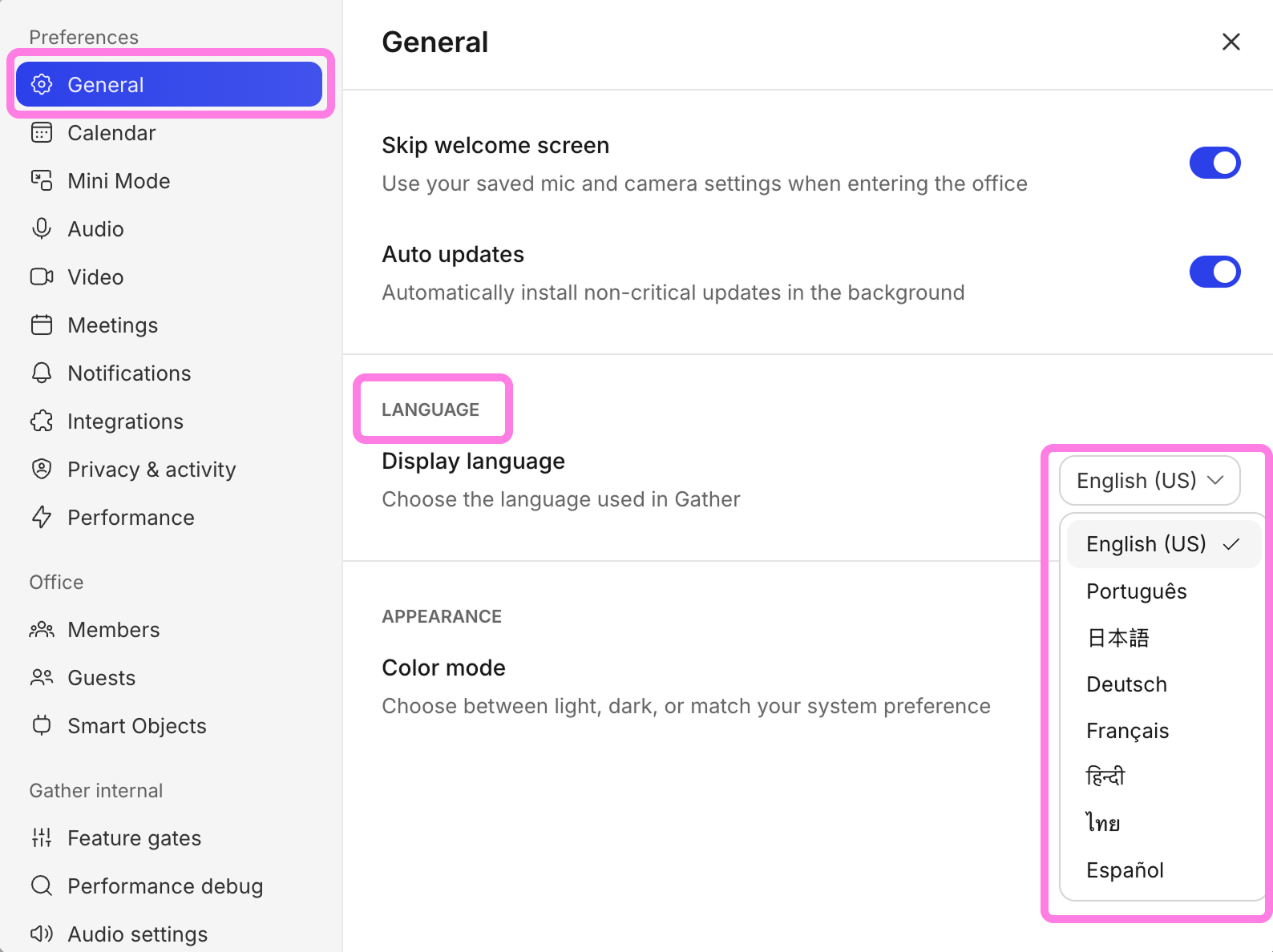
Gather 2.0 supports the following languages:
English
French
German
Hindi
Japanese
Portuguese
Spanish
Thai
To change your display language:
Open the Main Menu (Gather logo) and click Settings
In the General tab, go to Language
Use the dropdown to select your preferred language
Click Refresh to apply changes
To submit a bug report or share feedback:
Open the Main Menu and select ‘Report an issue’
Or email support@gather.town